Exploring Animation

This year, I’ve started to explore animation. My interest was peaked by some really talented people, especially Rachel Ryle. Definitely check her out (all links below).

I first started playing with hyperlapse video and stop motion video and created videos that were a painting in progress. But keeping the camera steady while working was a challenge. And stopping periodically to film wasn’t any easier.

https://instagram.com/p/4SQ8saH6Rr/?taken-by=mycreativeresolution
https://instagram.com/p/1_O25En6Uk/?taken-by=mycreativeresolution

Next I played with adding motion to my illustrations by creating animated gifs. (Like the tire swing above and my skeleton below.) I was inspired by Illustrator Nancy Liang. (Check out her work in the link below.) I used Photoshop to create the “scenes” (saved as separate gifs) and then would put all the gifs together in imovie. This is a bit tedious because each and every step of a movement has to be a different scene.

https://instagram.com/p/9etNEFn6Yx/?taken-by=mycreativeresolution

I knew their was a better way! I found a talented animator, Emanuele Columbo, on Instagram and asked him what he used to create his animations (link below). How nice of him to share that he used After Effects. And I own After Effects! (It came with a bundle of other Graphic Design software.)

A twenty minute tutorial on youtube by Kriscoart Productions has given me the basics and I’m ready to try After Effects and create a new animation!

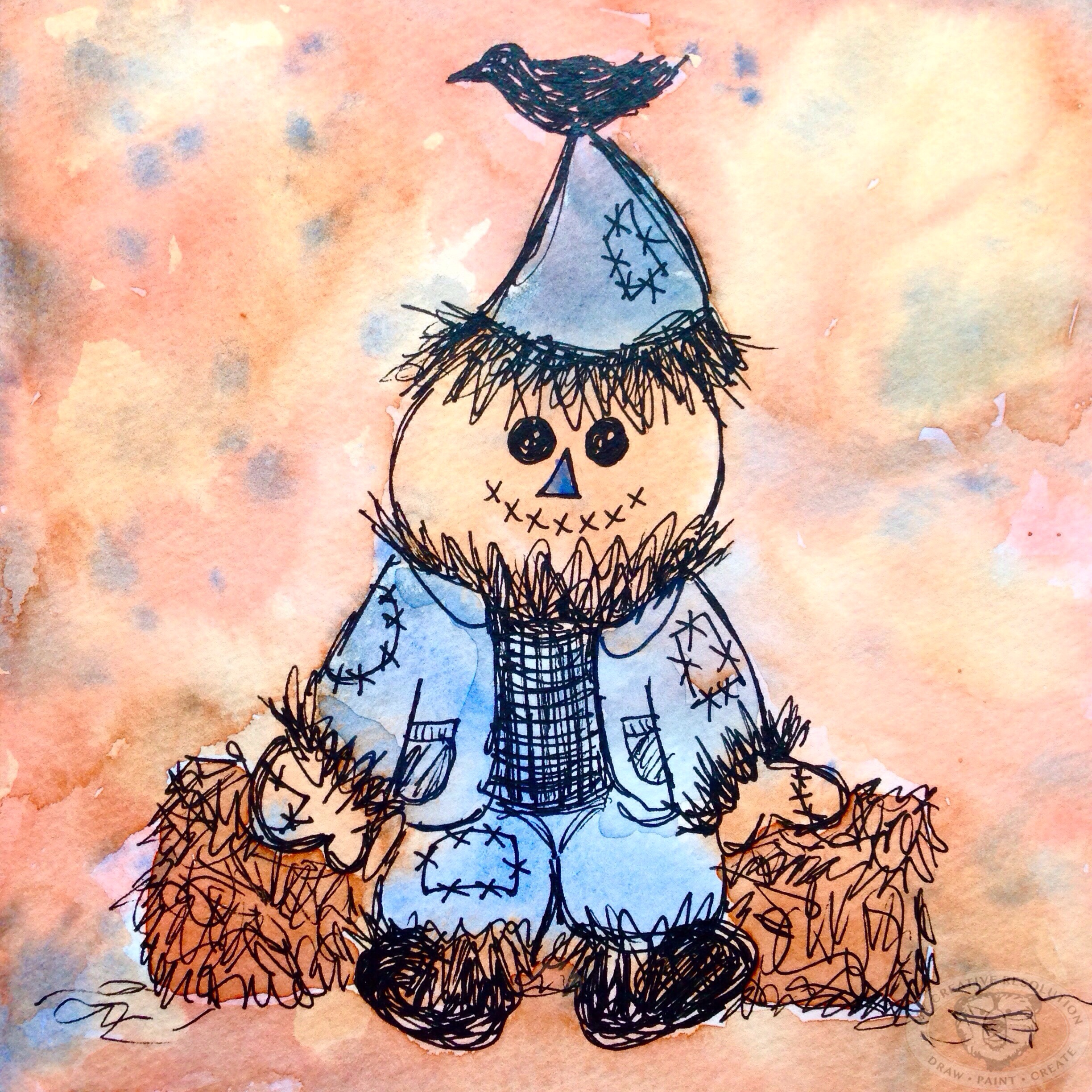
But first, as with any animation, you need the artwork to animate. I love the idea of animating my watercolor and ink drawings. My goal is to have an animated turkey by Thanksgiving. Since I’m not cooking this year, I should be able to pull it off!

Below are links to the Animators/Illustrators that have inspired me. What I love about these three is that they all have their own (very different) styles. I’m hoping my animations will be a reflection of me. Animation is definitely going to be a focus of mine in 2016!

Inspiration:
Rachel Ryle
Nancy Liang
Emanuele Columbo

After Effects tutorial by Kriscoart Productions

Comparing last Fall’s work to this Fall

suntree
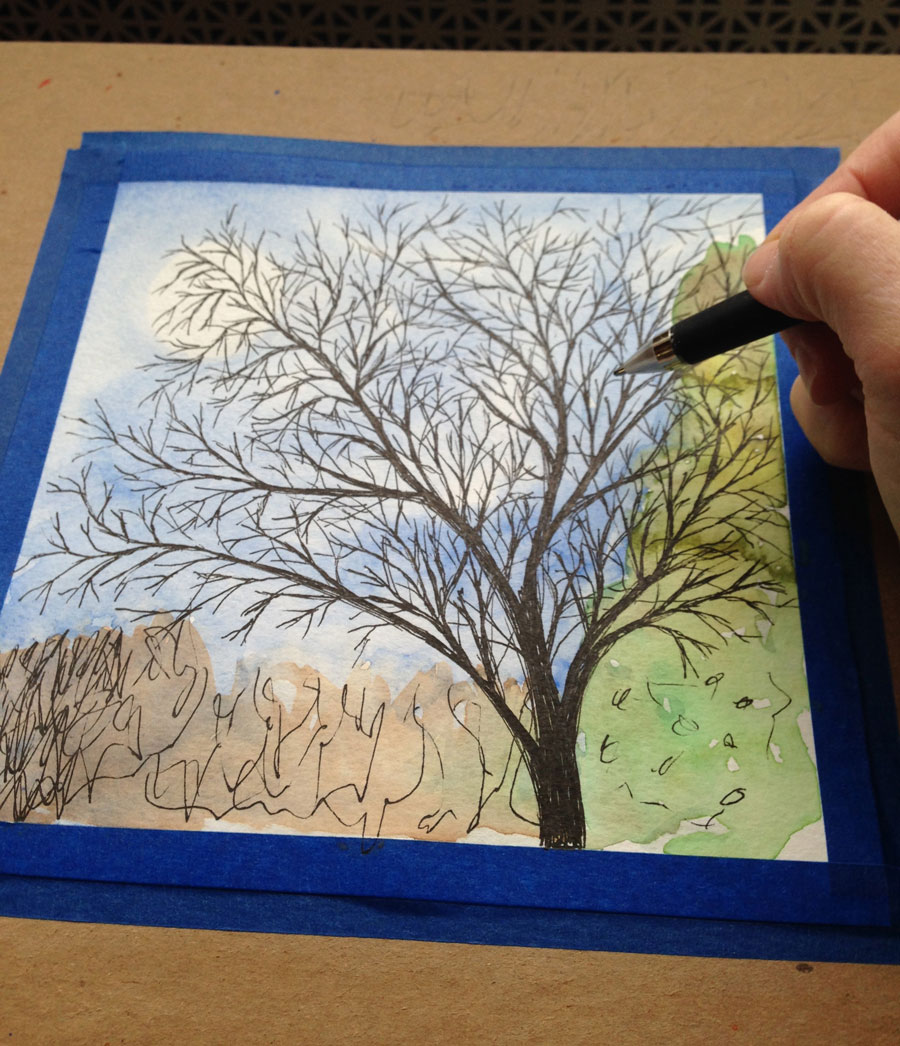
As I added branches to my latest illustration project, I wondered, “What was I working on last year?” I asked myself the same question at the end of the Summer and the answer was interesting. When I looked back to Summer 2014, I saw the start of my watercolor and ink style. I could pinpoint that first project where I added the ink details, and something clicked. The first couple of projects from Summer 2014 looked one way, and then a change took place.

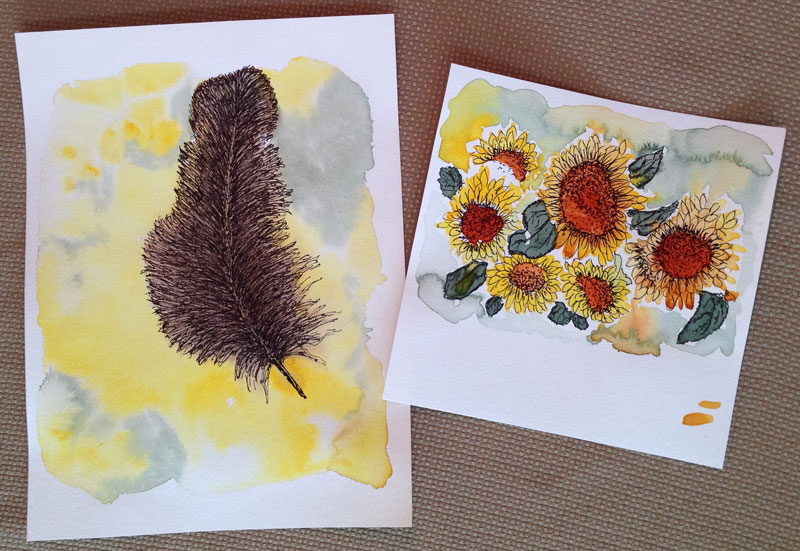
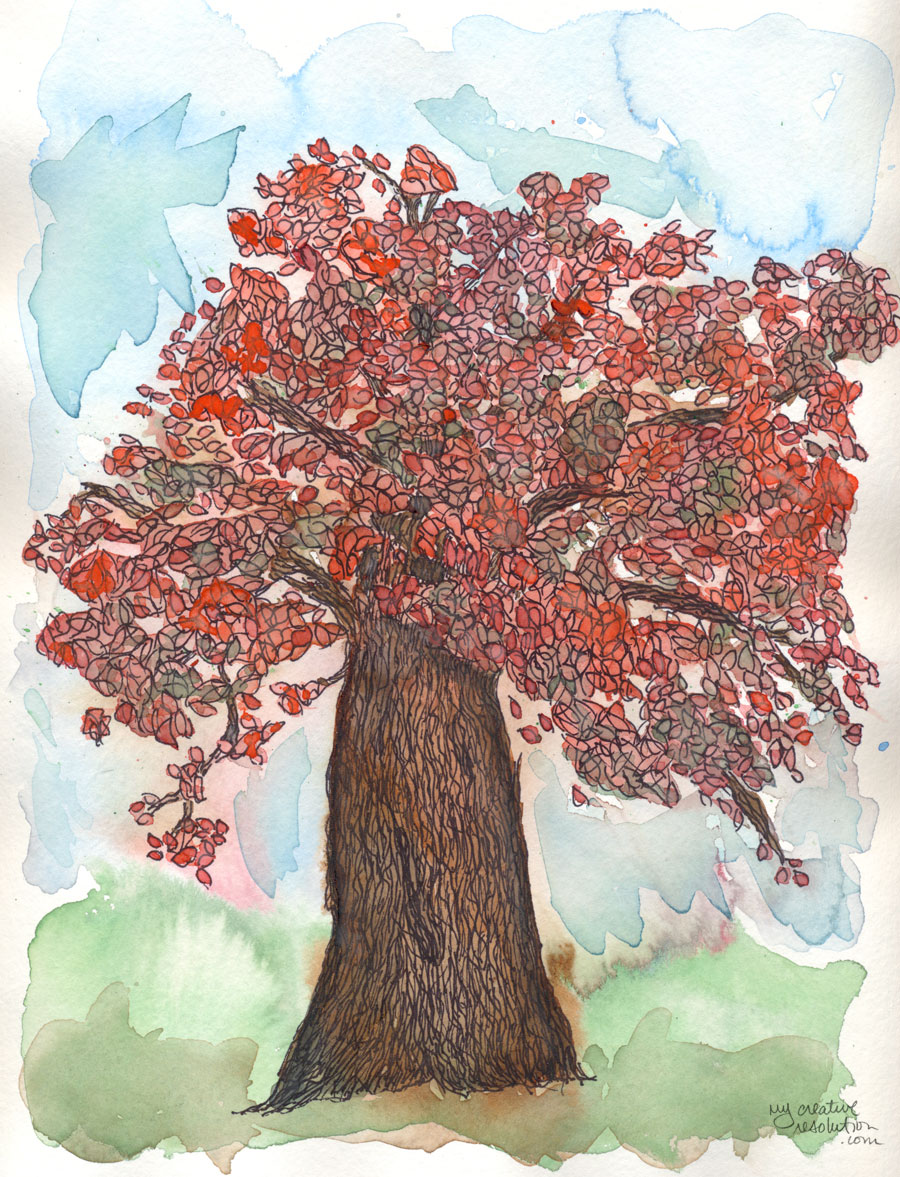
Now, when I look back to last Fall, I see that I continued to work in that style. I actually don’t see much of a difference between last Fall and this Fall. To me, the projects are almost interchangeable.

Fall 2014
sunflowerouttakes falltree2 newfalltreefallleavesfinal

Fall 2015
boywithleaves1 watercolorinkleaves finalchangefinalrainbowfeather

But I don’t feel stagnant. I still think I’m growing and developing, and I’m happy to have found my style. Especially, after years of wondering how to find your style!

What’s next?

 
The day after Halloween, I felt like a kid whose birthday had just passed. I was so disappointed it was over! I really got into it this year, posting over 20 illustrations, on Instagram, within the Halloween theme. And there were more in my sketchbook! “What now?” I wondered. Thanksgiving didn’t seem especially inspiring, although I love Thanksgiving. But then it hit me! Christmas! And I was off and running (for my sketchbook). 🎅🏼

Digital Intervention with Photoshop

boywithleaves1
For the most part, I like to keep my art hand drawn or painted. The exception is when I’m working on designing a repeating pattern. But sometimes, my 20 years of experience with Photoshop, comes in handy with my artwork.

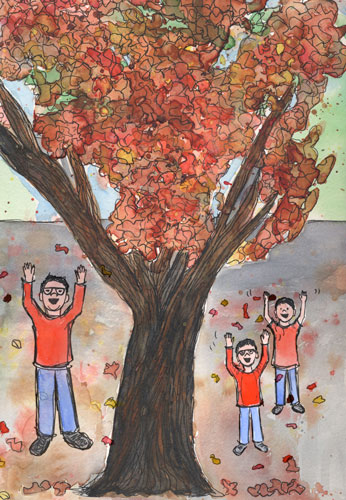
I painted this tree a couple of weeks ago and thought, “It really needs a boy playing in the leaves.”
treealone

Separately in my sketchbook I created a couple of version of the boy, based on my youngest son.
boywithleaves

I scanned both, opened them in Photoshop, and started playing around. The possibilities are endless!
boywithleavesfiguring

I choose one boy and added a shadow so he wouldn’t seem so “floaty.” I also added some extra leaves in an area that looked weird.

I don’t normally use Photoshop with my artwork because the original goal of “my creative resolution” was to develop my drawing and painting skills. But it is nice to have the tools to use, when the need arises!


Self imposed deadlines {and a leaf pattern}

leavespatterncolor
I remember, way back in elementary school, staring a project early, but never finishing it until the night before it was due. I needed the deadline to motivate me to finish.

All these years later I know the power deadlines have to motivate me. Now, I’m using this to my advantage. If I want to accomplish something I set a deadline. In my work, these soft deadlines are supported by the client waiting for the final product. In my creative life, these “made up” deadlines are supported by you. If I write on the blog, I’m going to do something, I intend to follow through on that promise. Whether anyone remembers or not!

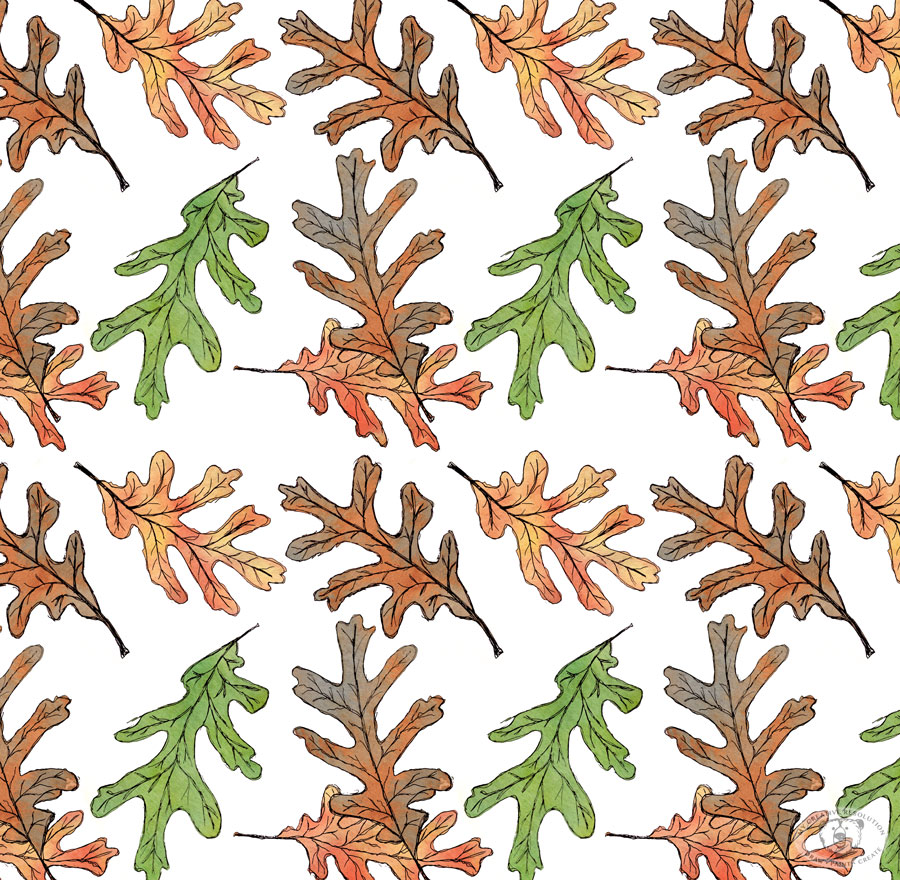
This leaf pattern design is my October surface design. Yes, I’m a couple of days late, but I got caught up in my Halloween creations!

I’ve designed one a month this year! That’s 10 so far! I’m really proud that I set “surface design” as a goal for 2015 and have achieved it. I designed the first one in January. That’s when I committed to “a design a month.’ Setting the monthly deadline has made all the difference in pushing myself and getting it done.

Have you set deadlines for yourself? How did that work out? If you haven’t, are you considering it now? I’d love to hear!

If you’d like to learn how to turn your artwork into a repeating pattern, read this recent post.

Focusing and following through

newtree
My last post was about “Coming up with Ideas.” A few of you commented that you have no shortage of ideas. This makes sense as Maya Angelou famously said,

“You can’t use up creativity. The more you use, the more you have.”

The “ideas” post was from the early days of my creative resolution. While reading through my old posts, I realized that focusing and finishing were recurring themes. Previously I wasn’t successful with my creative projects because I was always starting and stopping, and never finishing. Which left me feeling discouraged.

I started this creative journey in 2014, by finishing several old projects and doing several projects that I had always wanted to try. Accomplishing these things made me feel good, and so I kept going, with new projects.

I’ve come a long way since then. I try to draw or paint every day. I always shy away from the word “daily” because I’m more likely to paint and draw a lot for a day or two. Do nothing for a day or two, and then get back to it again.

I keep a notebook of “to do” lists and project ideas. I check off things as I go, and look back to see if I forgot anything. I’ll keep an old idea on the list for a while. Of course, I don’t get to everything, but it feels amazing to accomplish something that’s been on my list for months. The percentage of unfinished projects is much, much lower than it was before MCR.

Recently I wanted to be creative, but didn’t know where to start. I literally felt anxious. I sat down and wrote out all the ideas buzzing in my head. When I was done, I felt like I could breath again. Just writing the ideas down, cleared my head, and helped me prioritize. And then I started to create. 🙂

10 ways to find inspiration for your creative projects

10 Ways to come up with ideas for your creative projects
I originally wrote a version of this post just one month into my creative resolution. Almost two years later, many of these ideas still work for me! The biggest change since then? The inspiration I get from others through social media.

Ten ways to find inspiration for your creative projects:

  1. Scroll through your feed or do a search on WordPress, Instagram, Pinterest, etc. – there is so much to look at and be inspired by!
  2. Take a walk. Whether it is a walk in a nature preserve, along the beach, or through the neighborhood, you’ll notice things you’d never see driving by. And if you see something inspiring – take a picture!
  3. Find a photo. Look in magazines, catalogs, or your own photo library. Keep photos you like in a folder or hang them on a corkboard. Search Google or any social media. Virtually save links using tools like Pocket or pin stuff to your Pinterest boards. See mine here!
  4. Go to the library – where there is an endless supply of art and how-to books, and magazines on any subject.
  5. Learn about other artists. I love reading about other creative people, no matter how different their craft is. Each artist’s creative process, and how they got their start is so interesting. (Two great podcasts for this: What’s your story and While She Naps.)
  6. Just start. Once I get started drawing or painting, the ideas come. Sometimes ideas come to me, by just setting up!
  7. Keep a list of project ideas. I keep a notebook with an ongoing list of ideas and refer to them when I’m stuck.
  8. Look through old sketchbooks. I try to keep everything, because I enjoy seeing the progress I have made. Sometimes I find the start of an idea.
  9. Have coffee with friends. Find a creative friend, or two, and get together with them. When you share your ideas with others, you can get great feedback, and different points of view.
  10. Sit outside. I am so inspired by the Seasons – Spring flowers, the beach in the Summer, Fall leaves. I’m even inspired by the bare trees against the Winter sky.

Ideas can come at any time from unlikely places. Soak them up! I’ve gotten ideas for paintings while watching TV, eating breakfast, etc.

Read –

19 Books for Creatives